Introducing Excelas Learn! Our best marking tool yet. Excelas Learn is live for all core GCSE subjects
AI marking for multi-academy trusts
GCSE Maths and Science mock marking across your schools, with teachers in control.
What a trust is deciding
A trust lead is usually weighing four things: the same mark scheme in every school, teachers who stay in charge of the marks, one data-protection review instead of one per school, and a rollout that can start small. The sections below say what Excelas can support today.
- One mark scheme, applied to the set
- The same paper and mark scheme, with the settings for that assessment, in every school that uses them.
- Teachers in charge of the mark
- Someone in the school can review a suggestion and change it before the mark is used.
- A data-protection review the trust can start from
- A processor relationship, a DPIA pack, and a published privacy notice, instead of a blank page in every school.
- A rollout that can start small
- One or two schools and one subject, with a comparison against the teachers' own marks, before a wider decision.
Marking from the paper you upload
Excelas marks a set against the question paper and mark scheme you upload. Teachers can steer that marking with custom question rules and a default marking context. Both are on every plan.
The trust plan lists SLA and custom rubric alignment. A department buying for one school starts on the mock marking service.
What a trust leader can see
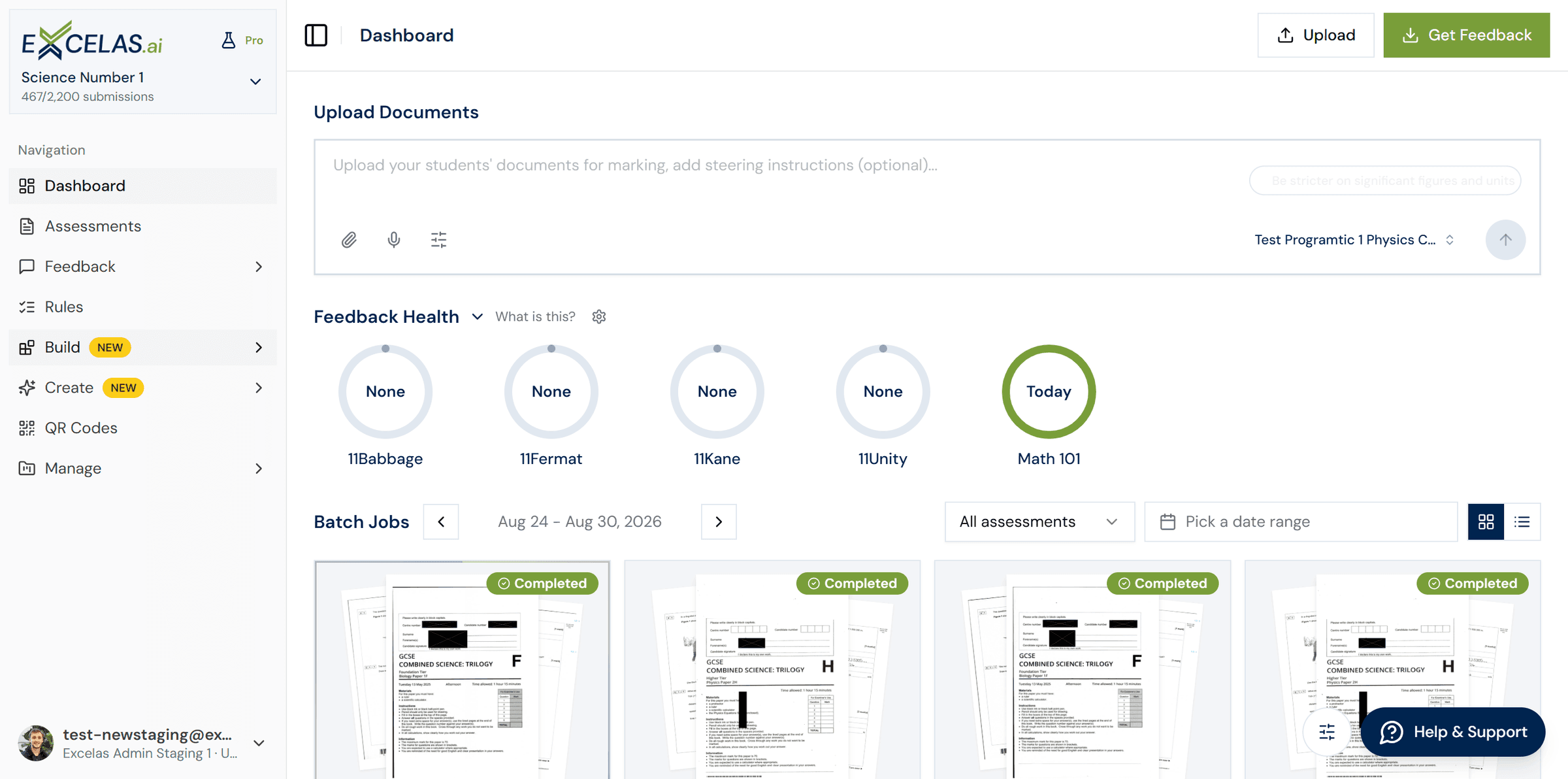
The trust plan includes central usage dashboards and a custom executive login across every school portal. For each marked set, teachers get question-level analysis, insight reports, an Excel export and print-ready student reports.
Across the trust
- Central usage dashboards.
- A custom executive login across every school portal.
- A dedicated account manager on the trust plan.
On a marked set
- Question-level analysis for that set.
- Insight reports and an Excel export.
- Print-ready student reports.
Reports for a department are described on feedback and reporting. The platform itself is on the Excelas homepage.
Teachers keep the mark
A teacher reviews every mark and can change it before the mark is used. The privacy policy and the terms treat AI marks as suggestions a teacher confirms.
Trusts that want a second check can add external moderation: a person reviews a sample before results are published, at £5 per paper, minimum 100 papers. Audit trail and data export, which records who changed a mark, is on Pro and Ultra.
There is a longer account in keeping humans in the loop. Plan differences are on the pricing page.
Procurement and data protection
Excelas acts as the data processor. The trust or school stays the controller. A DPIA information pack is available on request, and the trust remains responsible for its own DPIA.
Processing is in the UK or the EEA. Data leaves that area only with written consent. Sub-processors include Google and Anthropic APIs, which receive anonymised text on zero-retention terms, plus Auth0 and Wonde.
A breach is notified to the controller within 24 hours. Assessment data is kept for five years from the contract date, and deleted within 30 days of a request when the contract ends.
Read the privacy policy and, for the wider school questions, an AI policy for schools.
- Controller
- The trust or the school.
- Processor
- Pocket Teacher Ltd.
- DPIA
- An information pack is available on request. The trust completes its own DPIA.
A pilot a trust can run
Start with one or two schools and one subject. Mark a real mock, compare the results with your own teachers' marks, and decide the rollout from what you see. Onboarding is by CSV import or a Wonde connection, with one MIS sync a month included. The pricing page says: live in a week, not a term.
Name a lead
One trust lead, and one lead in each school that is taking part.
Calibrate a small set
Mark a handful of real scripts against the paper and mark scheme you upload.
Compare with teacher marks
Hold a sample back, compare the suggestions with your teachers' marks, and look at every outlier.
Decide where marks are used
Agree where AI marks may be used, and where a teacher mark stays the only mark.
Pricing for trusts
Departments pay a published annual licence. Trusts mix plans across schools and are quoted a package around the rollout, with volume discounts and custom billing.
- Basic
- £995
- per department, per year, excluding VAT
- Pro
- £1,495
- per department, per year, excluding VAT
- Ultra
- £1,995
- per department, per year, excluding VAT
Single sign-on is an add-on at £250 per school, per year. External moderation is £5 per paper, minimum 100 papers. See pricing.
What a trust should ask for
Ask what the marks were compared with, on which papers and subjects, how many scripts, and where the tool disagreed. Then run the same comparison on your own scripts before you commit.
We will demonstrate Excelas on your own paper. Look at a Sample report first. If you are still comparing suppliers, read how to choose AI marking software.
Two longer reads sit alongside this page: a MAT's guide to procuring AI marking tools and standardising assessment data across a trust.
Frequently asked questions
Talk to us about a trust rollout
Tell us how many schools, which subjects, and when the next mock sits. We will quote a package around that rollout.