Introducing Excelas Learn! Our best marking tool yet. Excelas Learn is live for all core GCSE subjects


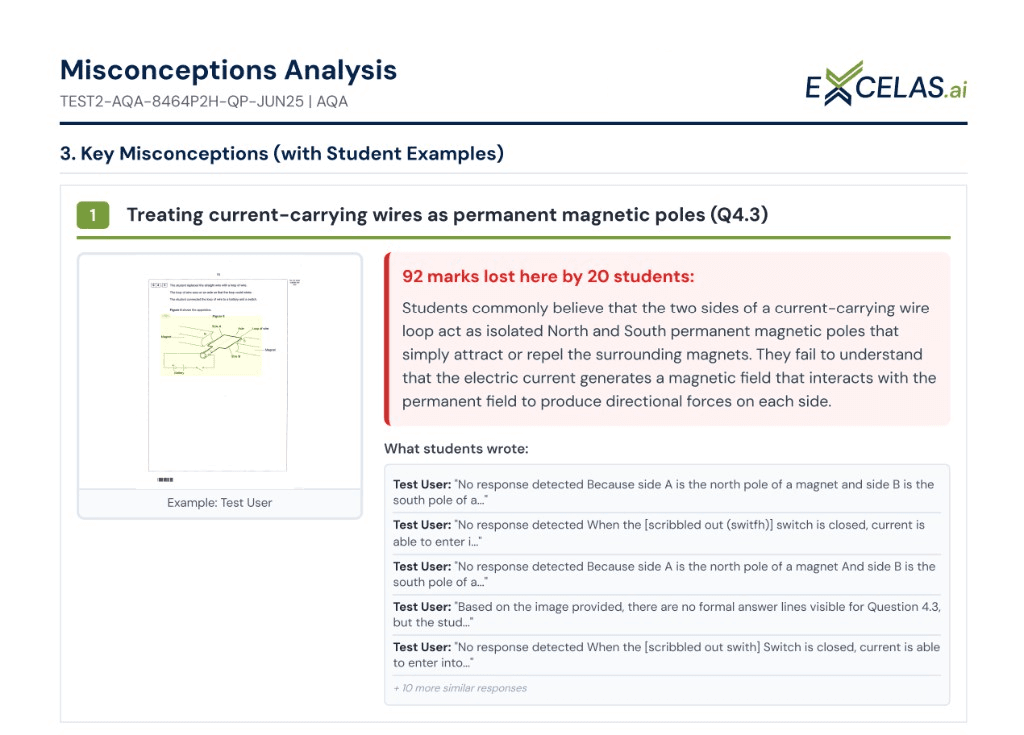
Student feedback and reports
A marked set becomes an actionable report before the next lesson
Question-level analysis, one-click insight reports and exports your MIS accepts, landing in the inbox without anyone chasing them.
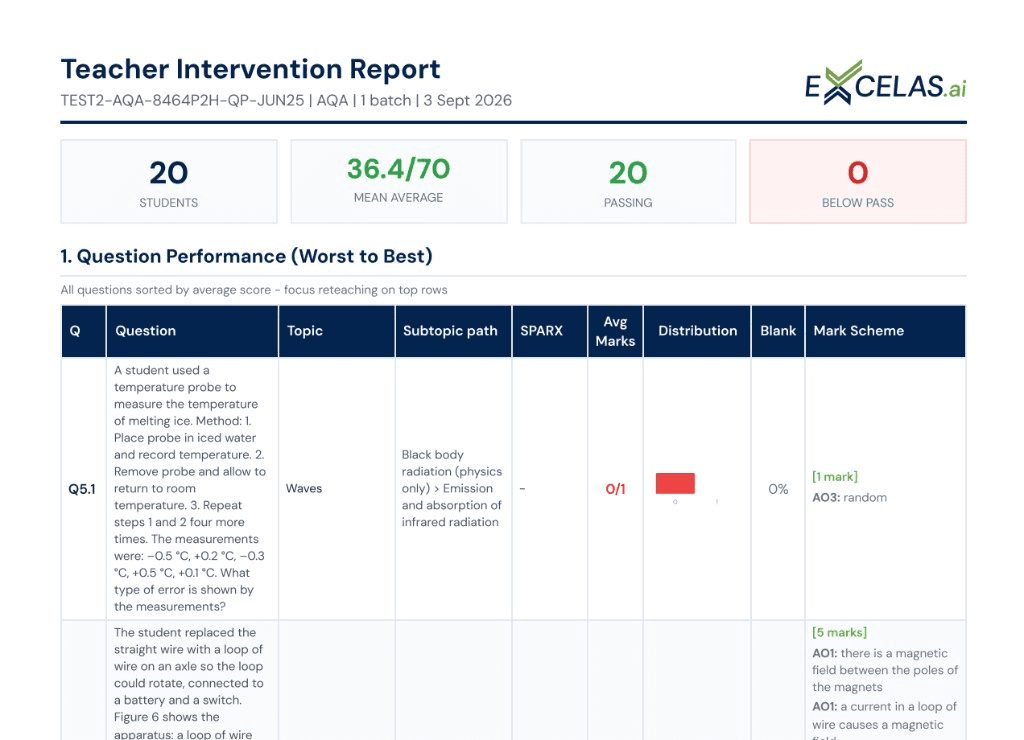
Question performance analysis
See the exact questions the class fell down on.
Reports, sheets and Excel
Hand a department meeting real data, and export it as CSV in a format your MIS accepts.
Teacher comments, emails and audit trail
Your wording on the feedback students read, results emailed automatically, and a record of who changed which mark.
See What Your Reports Look Like
Get a sample of our comprehensive marking reports and data sheets. See exactly how we present student performance data, feedback, and analytics.
Download Full Sample Report
Everything in Student Feedback and Reports
What each plan includes, with the limits that apply.
| Reports, sheets and Excel | Included | Included | Included |
|---|---|---|---|
| Insight reports on demand | Included | Included | Included |
| Question performance analysis | Included | Included | Included |
| Re-run reports | Included | Included | Included |
| Customised teacher comments | Included | Included | Included |
| Automated emails to teachers | Included | Included | Included |
| Audit trail and data export | Not included | Included | Included |
How it works
- Step 1
Marking finishes
Teachers get an email when results are ready.
- Step 2
Open the report
Question analysis and insights are generated automatically.
- Step 3
Export or adjust
Export to CSV, or adjust marks and re-run the report.